Start your Development server & open it in a new browser tab → in 1 click.
Supports all VS-Code based IDEs and run React / Next JS projects.
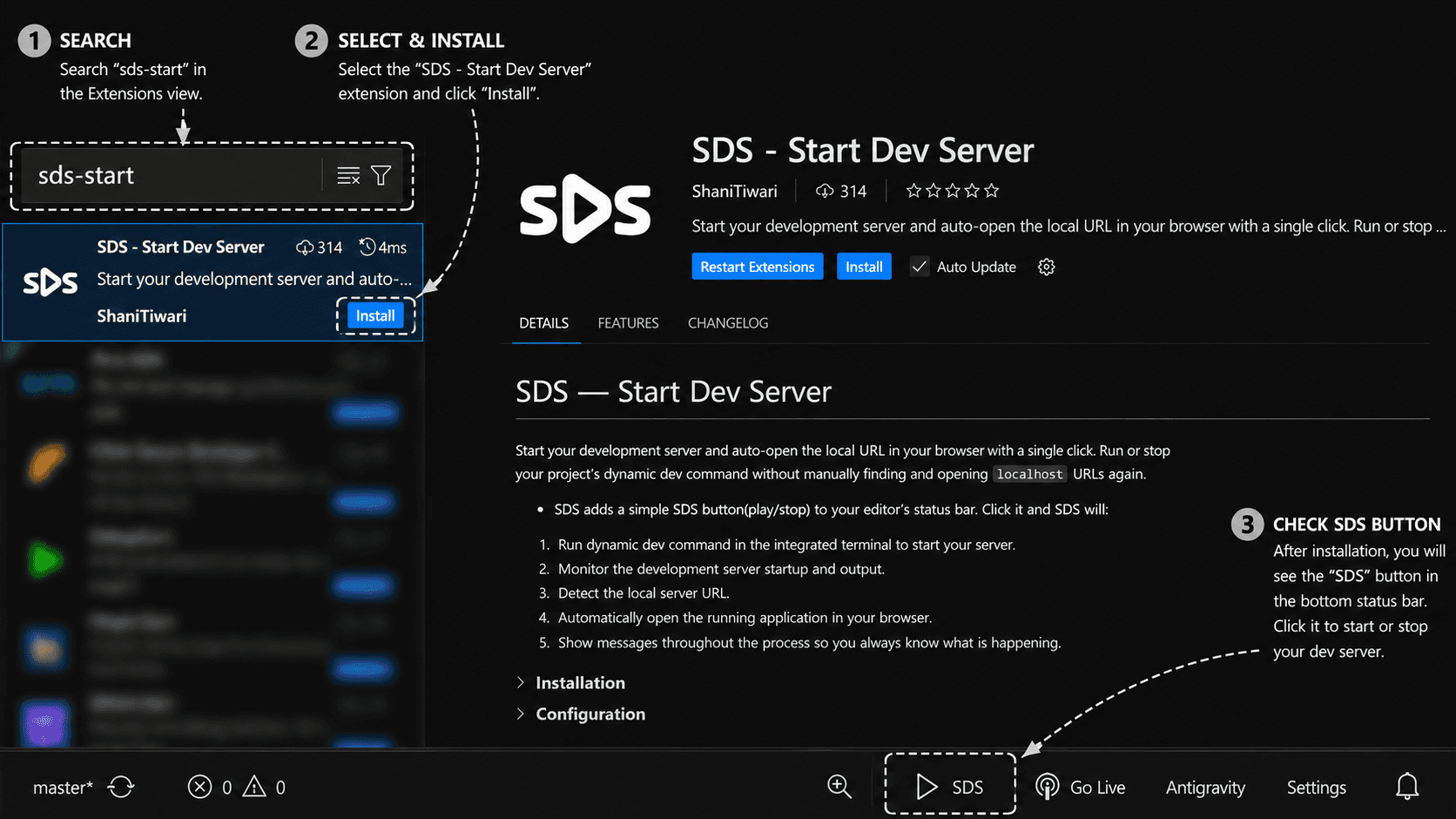
Copy & search in Extensions.
Features...?
Add's a dedicated `▶ SDS` button in the bottom status bar of Editor.
Click `▶ SDS` or (ctrl+shift+s) to start/stop your project's dev server.
Auto-detect the development command from scripts to run the project.
If project have child folders - SDS give options to choose any, to run.
Auto re-direct↗ the user to the localhost URL in a new browser tab.
Shows Info, Warning, and Error - messages to keep you updated.